At first, buying laptops for employees may seem like a straightforward task. But once you start looking closely at specifications, warranty options, and long-term costs, it becomes clear how much these decisions affect your business.
When the right devices are in place, teams work efficiently, stay focused, and experience fewer IT disruptions. But when the choice is poorly matched, performance suffers, complaints increase, and the burden on support teams grows quickly.
The question is: how do you choose laptops that support productivity and growth, rather than create avoidable problems?
Match Devices to the Work, Not the Title
A common mistake in procurement is assuming that all teams need the same laptop. In reality, the nature of the work should drive the hardware choice.
- Developers and engineers run heavy workloads — code compiles, virtual machines, analytics — that demand multi-core processors (Intel i7, Ryzen 7 or better), 16–32GB RAM, and fast NVMe SSDs. Anything less will slow them down and hurt delivery timelines.
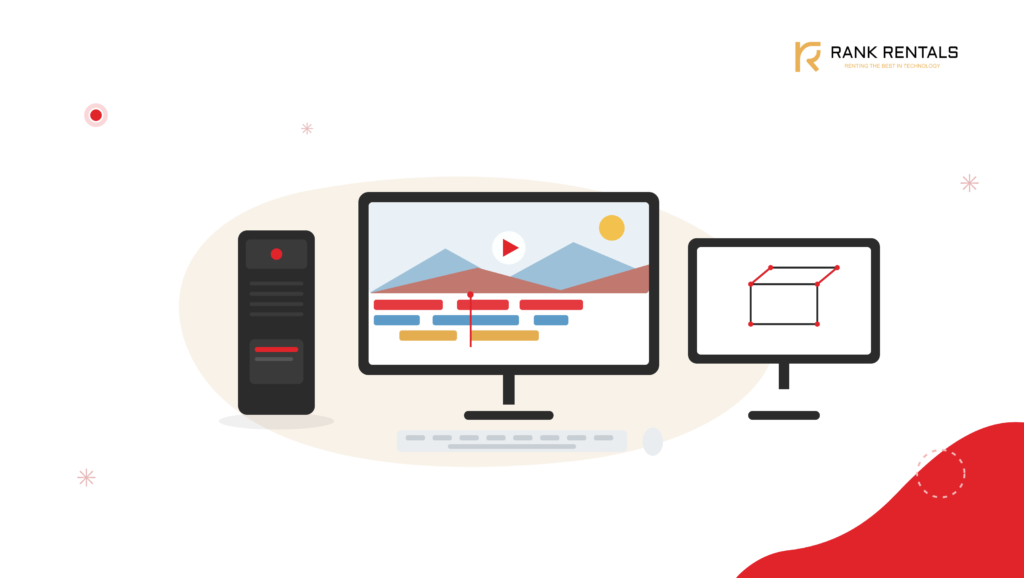
- Creative professionals like designers, video editors, or architects need colour-accurate, factory-calibrated displays, powerful graphics, and enough memory to handle massive files.
- Sales teams and executives rely on lightweight machines with excellent battery life, strong webcams, noise-cancelling microphones, and reliable connectivity. A poor device here affects client meetings, travel, and reputation.
- Admin and finance teams need well-built, reliable devices with 8–16GB RAM and SSDs. Speed matters, but stability and durability are even more important.
- Field teams (logistics, healthcare, construction) need rugged hardware: spill-resistant, drop-proof, and often with LTE or 5G connectivity to stay connected on the move.
Focus on Business-Grade Features That Protect Uptime
A laptop’s specs only tell part of the story. What matters just as much especially in business environments, is how well the device holds up under daily use, how easily it can be managed, and how quickly it can be recovered when something goes wrong. That includes both hardware and software.
- Durability: Look for magnesium alloy chassis, metal hinges, spill-resistant keyboards, and MIL-STD-810H certifications. These reduce physical failure and extend device lifespan.
- Manageability: Features like Intel vPro, AMD PRO, and remote BIOS management allow IT teams to update, configure, and troubleshoot devices without disrupting end users.
- Security: Built-in TPM 2.0 chips, biometric authentication (fingerprint or facial recognition), disk encryption, and BIOS-level protections safeguard data at the device level.
- Software stability and licensing: Business laptops should support OS-level integration with your endpoint management stack – whether that’s Microsoft Intune, Workspace ONE, or a custom MDM tool. Compatibility with enterprise antivirus, VPN clients, and encryption software is equally important.
- Warranty and service: Prioritise models with next-business-day onsite support, accidental damage protection, and multi-year coverage. Delays in servicing can quickly compound into lost work hours.
Security & Remote Management: Don’t Leave It Too Late
Security only feels like overkill until you have a breach or a lost laptop. If your teams are spread across cities like Delhi, Pune, or Hyderabad, remote security and manageability are essential.
What should you look for?
- TPM chips
- Full disk encryption
- BIOS-level security
Also, choose laptops that support remote management tools. Your IT team will thank you when they can update, patch, and troubleshoot from anywhere – no more chasing down machines in person.
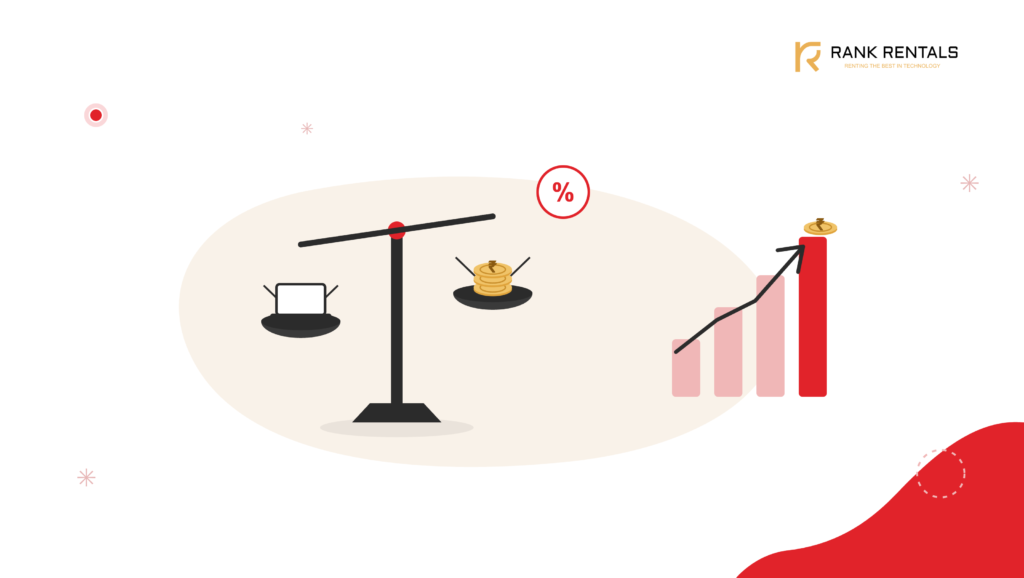
Why TCO Matters More Than Price
Choosing the right business laptops is about reducing the total cost of owning and managing those devices over time.
The real cost rarely shows up on the invoice. It shows up later:
- In downtime when devices fail unexpectedly
- In hours lost to troubleshooting
- In mismatched accessories and out-of-sync software
- In rising IT workload because no two machines behave the same
- In patchy MDM coverage and manual fixes
This is where Total Cost of Ownership (TCO) becomes the better lens. What seems like a budget-friendly device can quickly rack up operational costs when support, upgrades, and lifespan aren’t factored in.
Standardisation Makes Everything Easier
The simplest way to reduce long-term IT friction is to group roles into categories sa-y dev, creative, sales, admin – and standardise one or two models per category.
Support is faster, inventory is lighter, and onboarding is smoother. And if something breaks, you don’t scramble.
Now layer in growth. You hire 20 people in a quarter, or need machines for a 3-month contract. Buying outright could lock capital in assets you may not need later. Renting fills those gaps – without the depreciation, the servicing burden, or the delays.
Spend Your Budget Wisely with Rank Computers
At Rank Computers, we work with teams across Mumbai, Delhi, Bengaluru, and beyond to make laptop planning simpler.
- Standardise procurement across functions and locations
- Rent additional devices for contract hires, spikes, or trials
- Keep spares ready so your team doesn’t go dark for a week
Whether you’re building a new team or cleaning up a messy hardware footprint, we help you avoid the slow chaos that comes from mismatched machines and short-term decisions.