Starting a business means making decisions constantly. Some are strategic, like pricing or positioning. Others are more operational – the kind that don’t seem urgent until they slow you down. Choosing your software stack usually falls somewhere in the middle.
You can’t ignore it. But it’s easy to overdo it.
Most founders want to “get this part right” from the start. The instinct is to research top-rated tools, ask for recommendations, maybe even buy discounted bundles. But the real test isn’t what a tool can do. It’s whether it supports what your team is trying to do right now – without creating a mess you’ll need to clean up later.
Let’s walk through what to consider, where to start, and how to think about your early toolstack like a system, not a checklist.
What Founders Often Get Wrong
The mistake isn’t choosing the wrong tool. It’s choosing too many tools too early.
The stack should support progress, not feel like a setup task of its own.
Here are a few things to keep in mind:
1. Revenue-first, always
The first goal is to make money.
Until then, your tool choices should revolve around helping you sell, deliver, and collect.
You don’t need advanced dashboards or onboarding flows early on. You need a way to track leads, send payment links, and raise invoices your CA can work with.
Free versions of tools like HubSpot CRM and Zoho Books do this well without costing anything upfront. They’re faster and cleaner than managing it all manually.
2. Use what people will actually use
One founder sets up an elaborate knowledge base in Confluence. The team continues to ask questions on WhatsApp.
The problem isn’t the tool. It’s adoption. Shared Notion pages often work better for small teams because they’re flexible and less intimidating. Trello or ClickUp often beat a cluttered Google Sheet.
3. Watch for hidden complexity
Tools that don’t integrate well will leave you doing double work. It might not feel like much in the beginning, but it adds up quickly.
Let’s say a lead fills out a form on your website. If that information isn’t auto-synced to your CRM or sales tracker, someone has to do it manually. The more moving parts you have, the more this friction shows up.
Startups that run lean need their stack to talk to each other – whether through native integrations, API access, or Zapier.
4. Don’t anchor to free trials
Free plans are great for testing, but they’re also easy to fall into long-term. If you’re choosing a tool because it’s free, pause. What happens once usage increases? What will it cost when you start adding team members?
Sometimes, it’s better to pay early for a simpler tool that will last than to spend time migrating six months later.
So What Tools Do You Actually Need?
1. The Essentials Stack
Set these up before your first sales call, invoice, or investor update. They keep your operations clean and prevent basic slowdowns.
Google Workspace
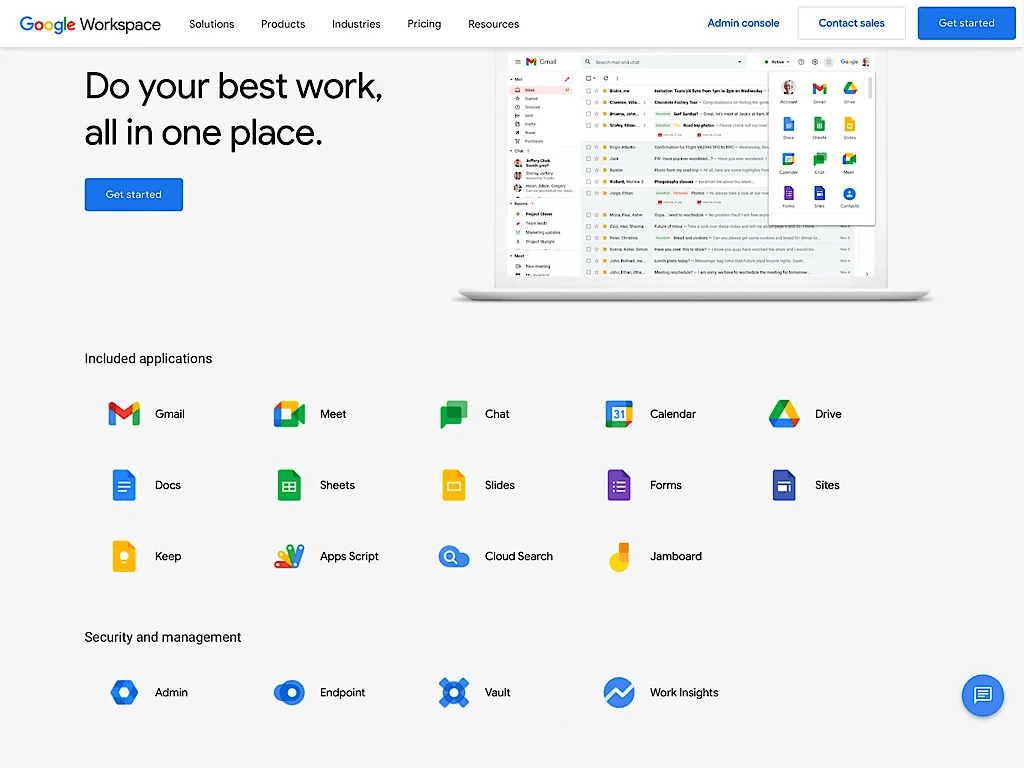
Most teams start here for email, but it quickly becomes the foundation for everything – Docs for proposals, Sheets for trackers, Slides for investor decks, and Calendar for team syncs.
Crucially, it lets you avoid using personal email accounts. That’s a bigger problem than it sounds. Access gets messy, files go missing, and important conversations are scattered across inboxes you don’t control. When someone leaves or a freelancer wraps up, there’s no clean handoff.
With Google Workspace, you can:
- Set up branded email addresses from day one
- Control who can access what (design files, legal docs, pitch decks)
- Revoke or transfer access easily when roles change
Set up your domain, create shared folders, and define access levels based on roles. A little structure early on saves a lot of clean-up later.
For Indian startups, Google Workspace also helps with official documentation and audit trails. You’ll need this when applying for accelerator programmes, bank accounts, or startup registrations.
Pro tip: Enable 2FA and access restrictions from the admin panel. You’ll thank yourself later when you hire your first IT consultant.
Zoho Books
Most founders don’t think about accounting until a CA asks for quarterly filings. By then, reconciling six months of expenses through Excel feels like a punishment.
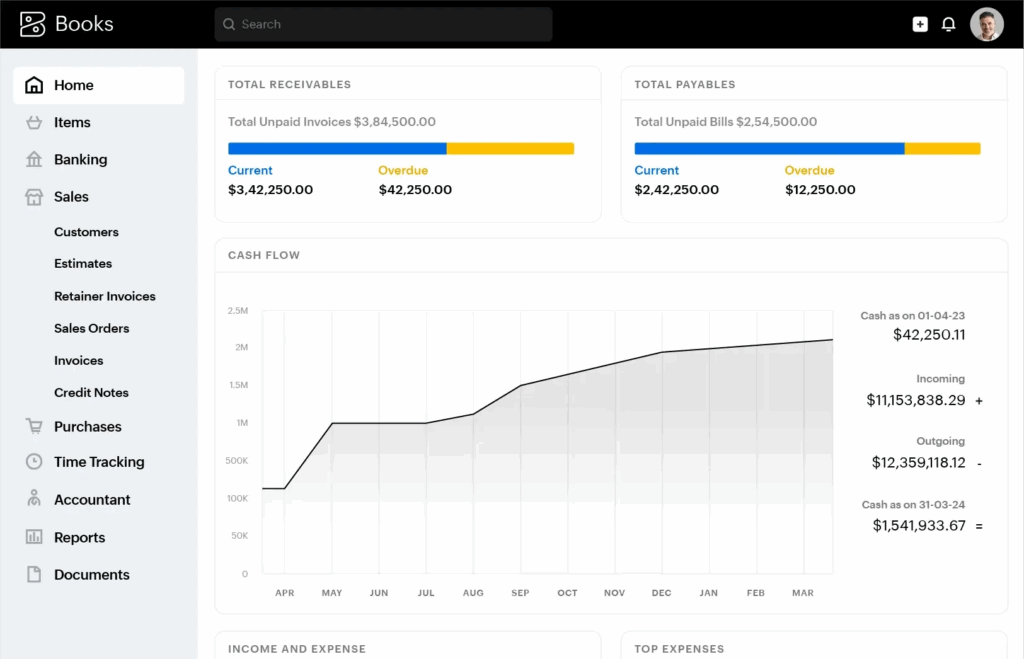
Zoho Books helps you raise GST-compliant invoices, track payments, manage TDS, and generate financial reports without needing a full-time finance person. It supports Indian payment gateways, e-invoicing, e-way bills, and integrates well with CAs and payroll systems you might already be using.
If you’re an early-stage SaaS or services company, Zoho Books helps you stay compliant without hiring a full-time finance person.
Gusto (if you’re hiring)
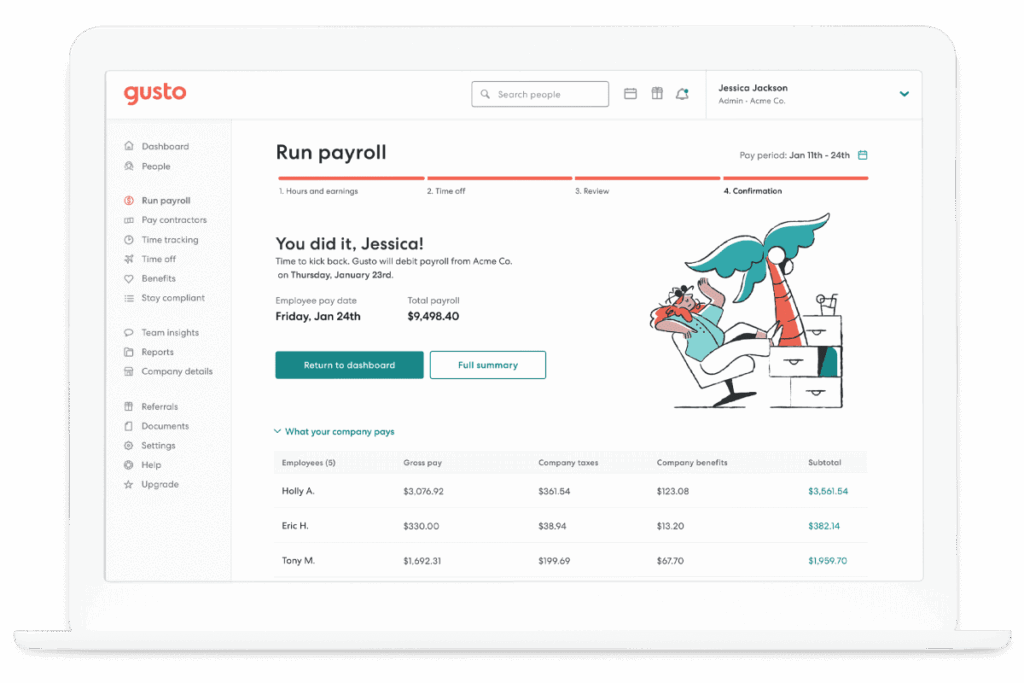
The moment you offer someone a salary, you also inherit a dozen administrative tasks like payslips, tax deductions, compliance docs, onboarding paperwork. Gusto automates all of this.
It’s especially useful for small teams where one founder is managing HR informally. You can draft offer letters, collect bank and ID details securely, track leaves, and file taxes – all in one dashboard.
2. Sales & Outreach Stack
You need to talk to potential customers, follow up consistently, and track what’s working. These tools help you do that without losing context.
HubSpot CRM
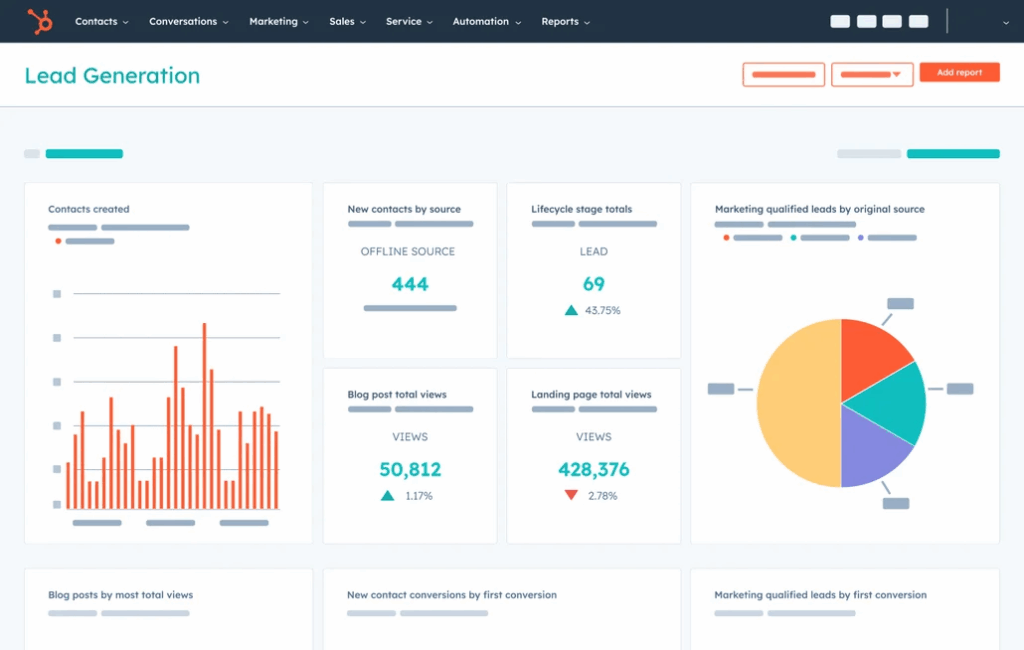
This is where most startups begin. HubSpot’s free CRM is simple enough to set up in an afternoon but powerful enough to grow with you.
You can log every customer interaction, track deals by stage, and assign follow-up tasks to yourself or others. If you connect it to your Gmail or Outlook, it automatically logs emails and meetings, so you don’t lose track of context between conversations.
It’s especially helpful when you’re testing different value propositions or pricing models. You’ll be able to see patterns in who’s engaging and where they’re dropping off.
You’re running outbound campaigns while also fielding inbound interest – HubSpot helps keep everything visible without turning into a spreadsheet mess.
Apollo or Instantly (for cold outreach)
Cold email isn’t dead, but it does need to be done with care. Apollo and Instantly let you build prospect lists, verify email addresses, and send personalised outreach at scale.
- Apollo is more versatile if you need detailed lead data, built-in enrichment, and automated sequences tailored to complex outbound strategies.
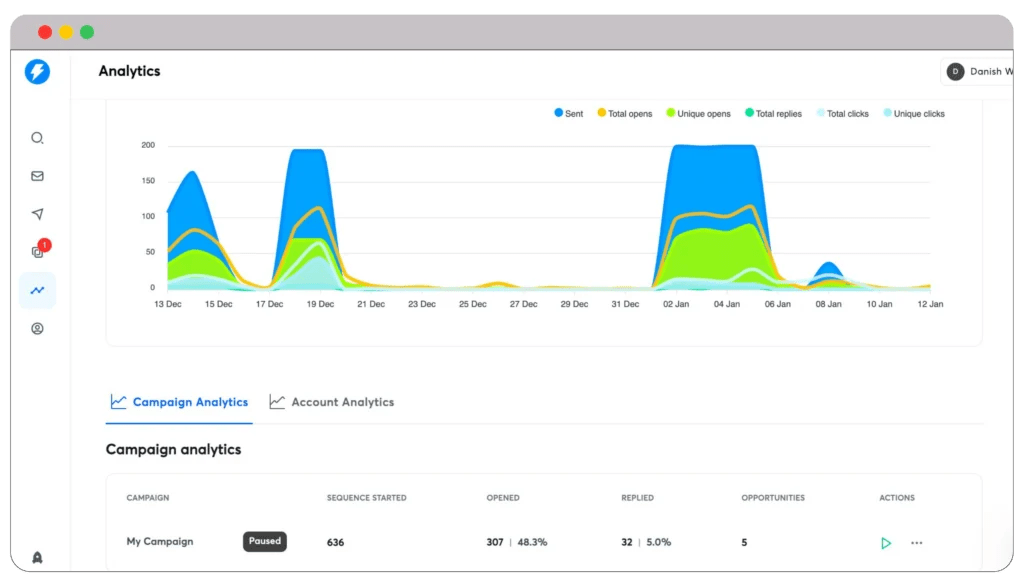
- Instantly is better for high-volume cold email campaigns that require fast A/B testing, simplified analytics, and deliverability-focused features.
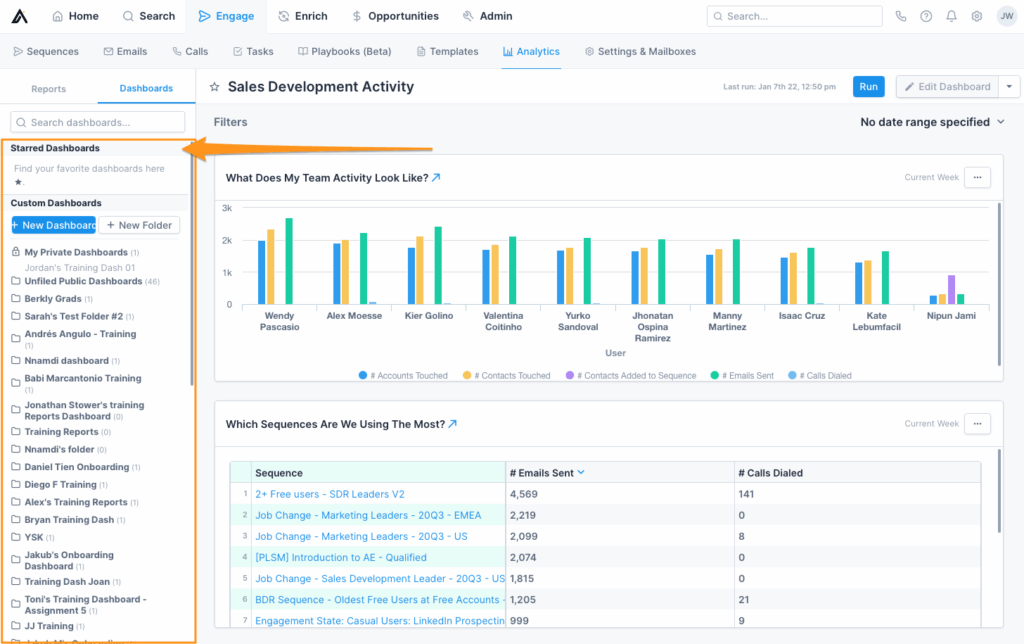
They’re especially useful when you’re testing messages across industries or roles – say, figuring out whether HR heads or operations leads respond better to your pitch.
You can run A/B tests, monitor open and reply rates, and adjust your strategy in real time. Most importantly, they reduce the manual effort needed to experiment quickly.
Calendly
A small thing that saves huge amounts of time. Instead of the back-and-forth of “Does 3 pm work?” or “Can you do Friday?”, Calendly lets you share a personalised booking link that auto-syncs with your calendar.
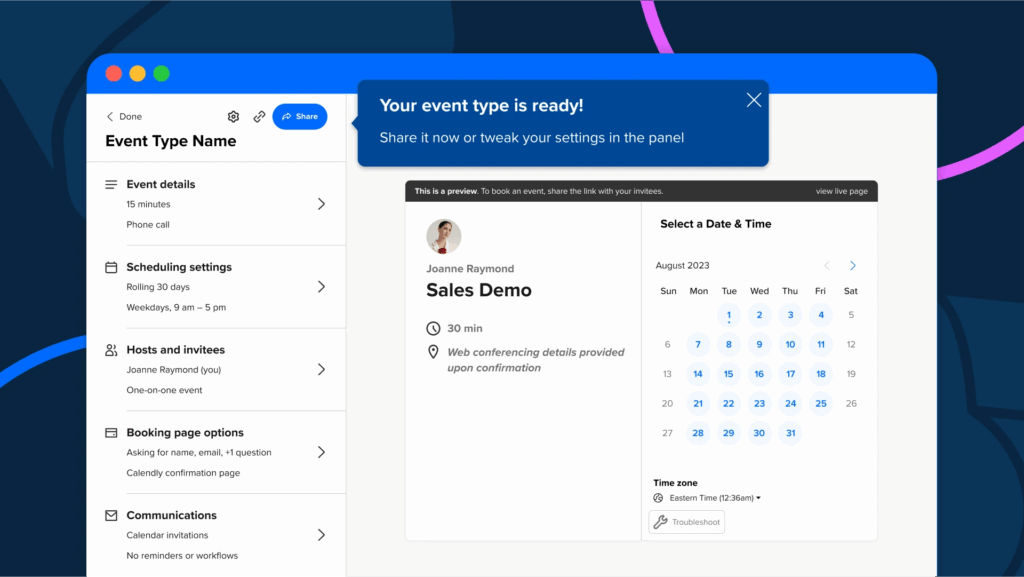
You can set buffers, availability hours, and even separate event types (like demos, onboarding calls, investor meetings). It’s a tiny fix, but it creates a much smoother impression especially when pitching enterprise clients.
One link for demo calls, one for investor meetings, one for quick check-ins. Each with its own timing rules and follow-up notes.
3. Product & Design Stack
Even if you don’t have a full design or product team yet, these tools can help you move faster, align better, and make fewer costly decisions.
Figma
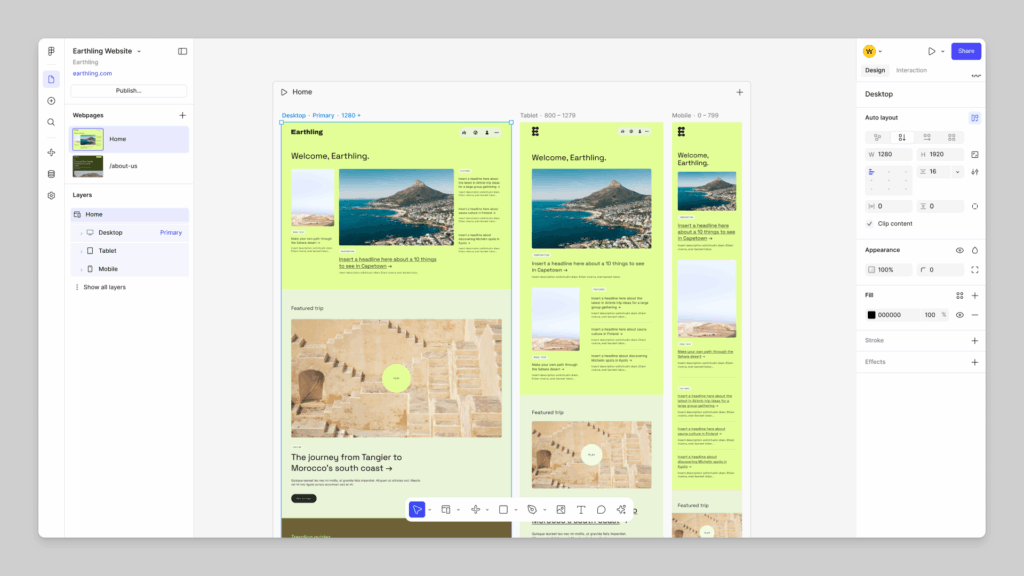
Figma has become the default UI/UX design tool for a reason. It works entirely in the browser, which means no compatibility issues, no file versioning drama, and real-time collaboration.
You can use it for wireframes, high-fidelity prototypes, and even early design systems. Founders use it to sketch product ideas. Designers use it to mock flows. Developers use it to inspect components and grab CSS snippets. Everyone’s on the same page…literally.
It’s also helpful when working with contractors or agencies. You can limit access, leave comments on specific elements, and track updates over time.
You’ve got a v1 prototype that needs design polish before you demo it to investors. Figma helps you create a clickable version without writing a line of code.
Webflow or Framer
These tools let non-engineers build websites with surprising flexibility. Both offer visual editors that feel like a mix of design tool and CMS.
- Webflow is more powerful if you’re building full sites with multiple pages, custom CMS collections, or integrations.

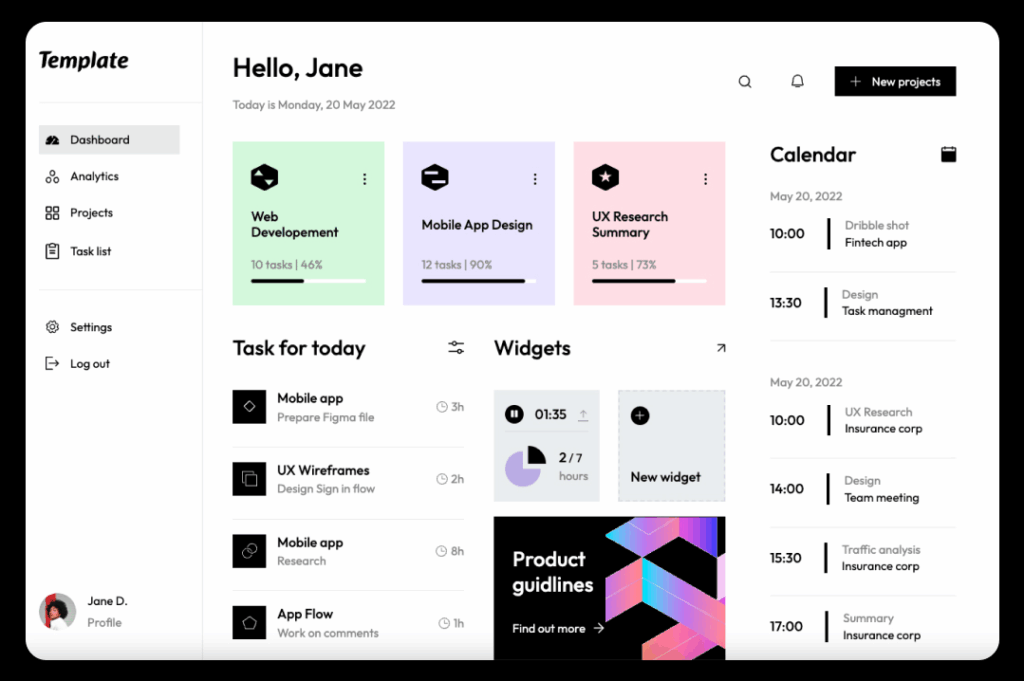
- Framer is better for animated landing pages, waitlists, or interactive prototypes that need to look sharp quickly.
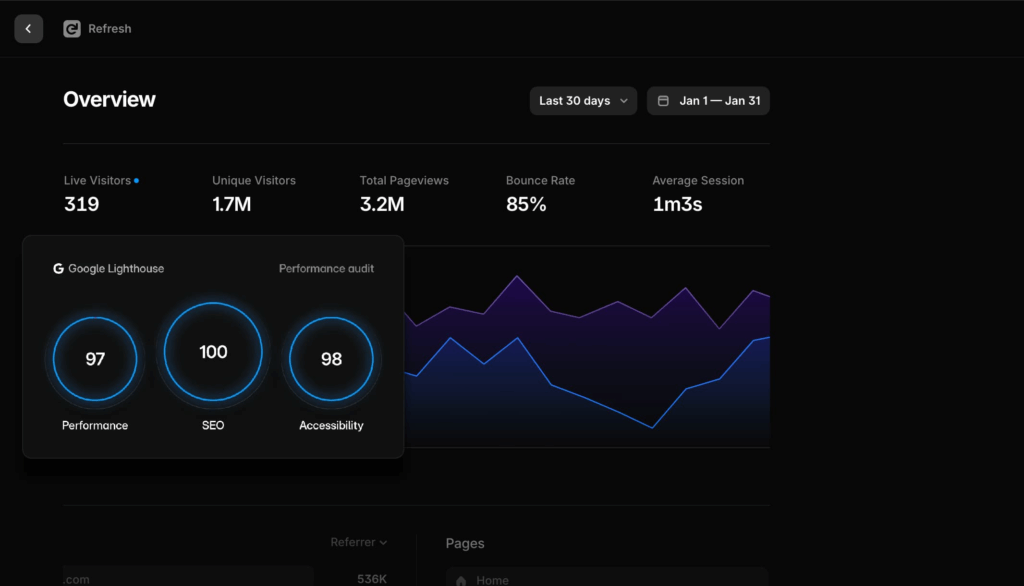
Many startups use them for product pages, pricing calculators, hiring microsites, or experimental landing pages without eating up dev time.
If you’ve changed your GTM strategy and need a new landing page—tonight. With Webflow or Framer, you can publish something clean and on-brand before your next sales call.
Canva
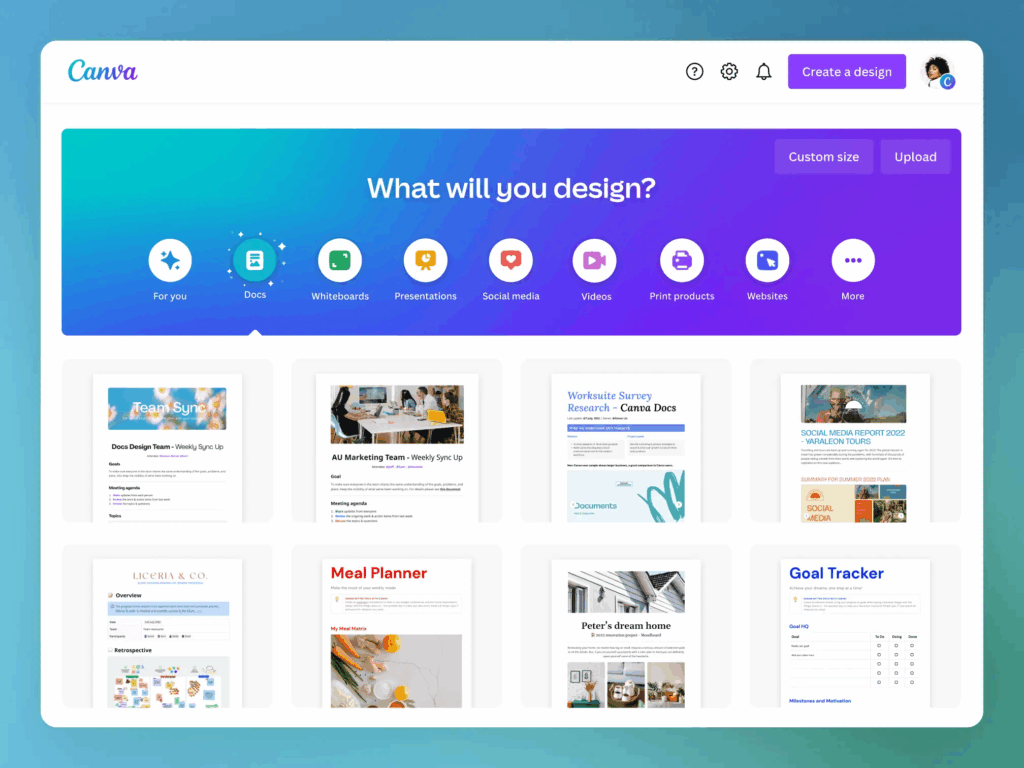
If Figma is your design system, Canva is what gets your marketing materials out the door…fast. It’s perfect for when you need speed over precision.
You can create pitch decks, social media posts, blog banners, event invites, email headers, and even basic product one-pagers. It comes with thousands of templates, so even non-designers can make something professional.
Use case: Your marketing intern needs to make event graphics. They don’t have Photoshop, but they can use Canva to get it done within an hour.
4. Automation & Internal Ops Stack
Startups often spend too much time doing things they never expected to do: sending invoices, logging leads, sharing onboarding docs, repeating the same updates. These tools help reduce that repetition and bring some structure to internal chaos.
Zapier
Think of Zapier as a glue layer between all your SaaS tools. It helps you automate workflows without writing code.
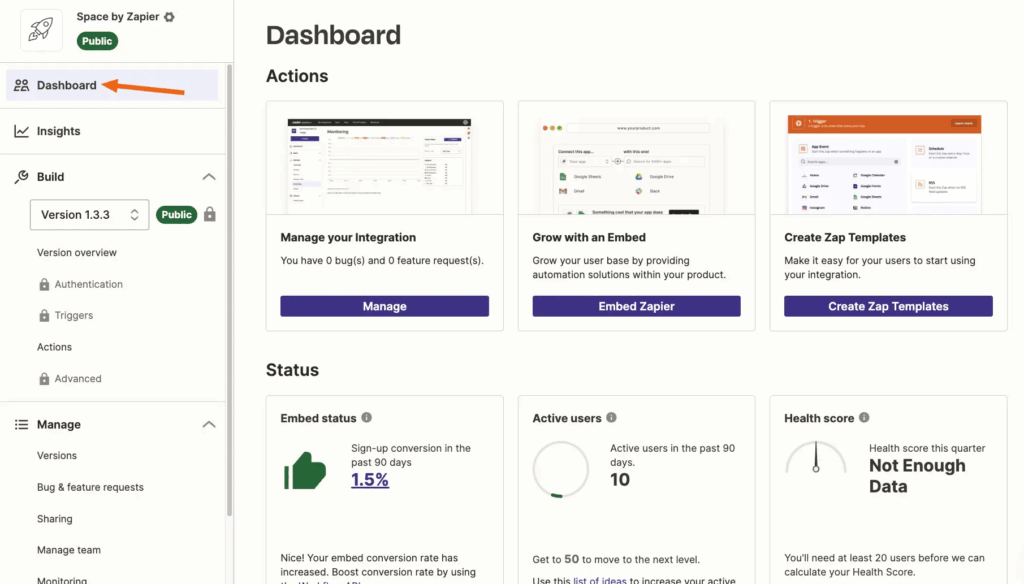
You can trigger actions across platforms:
- Every time someone fills out your Typeform, add them to your CRM
- When a deal is closed in HubSpot, send a Slack notification
- Push Google Calendar invites into your timesheet system
For early-stage teams, Zapier becomes the default operations team. You don’t have to wait on engineering to build internal automations because you can create them on your own.
A founder wants to track newsletter signups and automatically tag users in HubSpot. Instead of asking a developer, they create a Zap that handles everything in under an hour.
Note: Zapier charges based on tasks and workflows. Over time, it’s worth reviewing which Zaps are active and which can be cleaned up.
Notion
Notion is flexible enough to become whatever you need it to be – an internal wiki, a hiring tracker, a roadmap, a press kit, or even an investor dashboard.
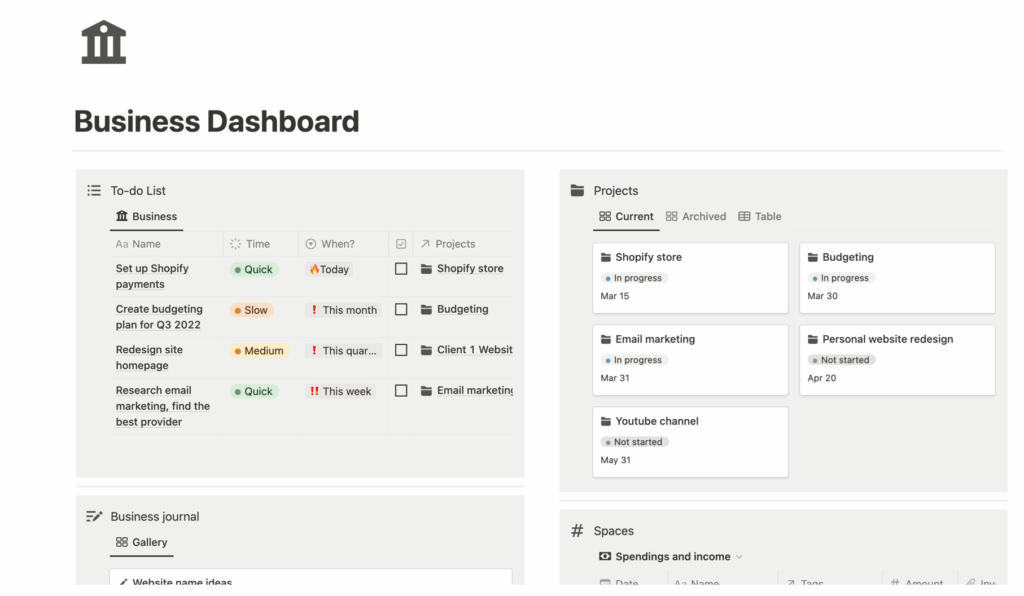
You can start with a few basic pages and scale into more structured workspaces over time.
A new team member joins. Instead of walking them through everything manually, you send them to a Notion page with company history, how your product works, how you talk to customers, and what tools you use. They’re 70% onboarded by the time you talk to them.
That said, Notion can get messy fast. It needs someone to own structure – naming, nesting, and tagging, so it doesn’t become a dumping ground.
DocuSign
Digital signature tools are easy to overlook until the first time you need someone to sign something now. Whether it’s a new client contract, a vendor agreement, or an NDA, signing manually slows things down.
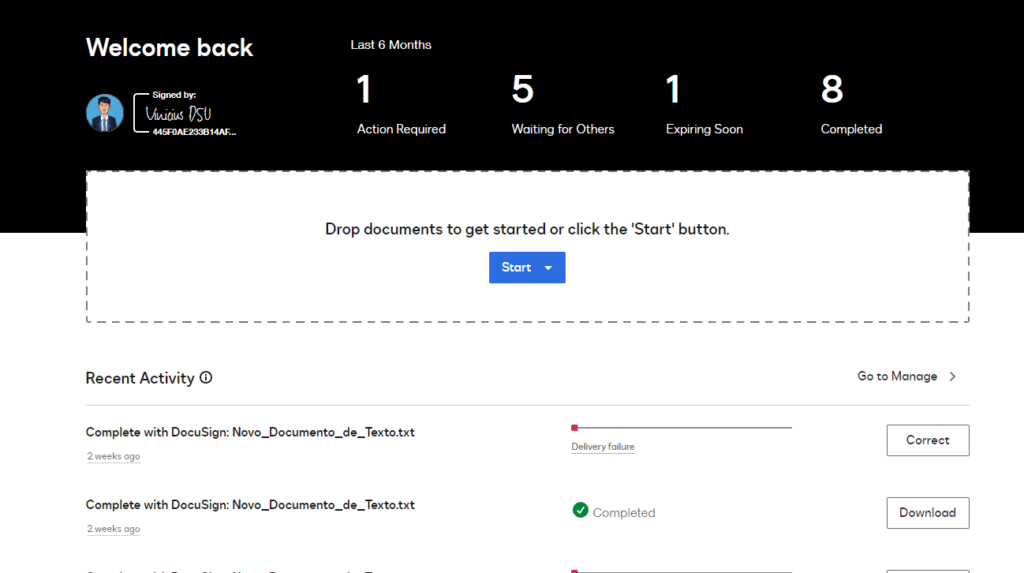
Upload templates, send documents for e-signing, track status, and store signed copies in a central place. No printing, no follow-ups. Just cleaner workflows.
Your sales lead is on a call. The client says yes, but wants an agreement today. They send over a pre-filled template on DocuSign and get it signed before the call ends.
5. Bonus Tools That Actually Help
These aren’t core to your stack on Day 1. But when certain pains start showing up—unclear communication, wasted hours, scattered tasks—these tools quietly fix them without adding complexity.
Loom
Sometimes, explaining something in a meeting or a chat message just doesn’t work. Loom lets you record your screen and voice at the same time, so you can walk someone through a product feature, onboarding flow, or bug and then send them the video.
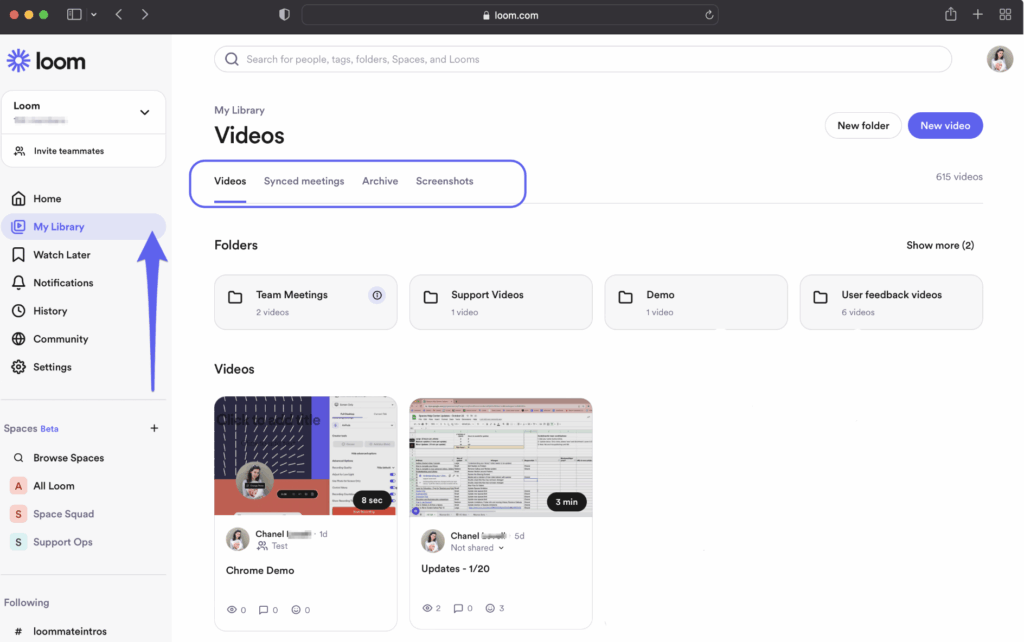
What makes it powerful isn’t just the recording, but the ability to comment, speed up, and reuse the video without re-explaining things.
A product manager records a short 2-minute Loom to explain a UI change. Designers and engineers watch it asynchronously and respond with questions in the same thread. No meeting needed.
Clockify
If you’re a service startup billing by the hour or just want to understand where team time is going, Clockify makes time tracking less painful.
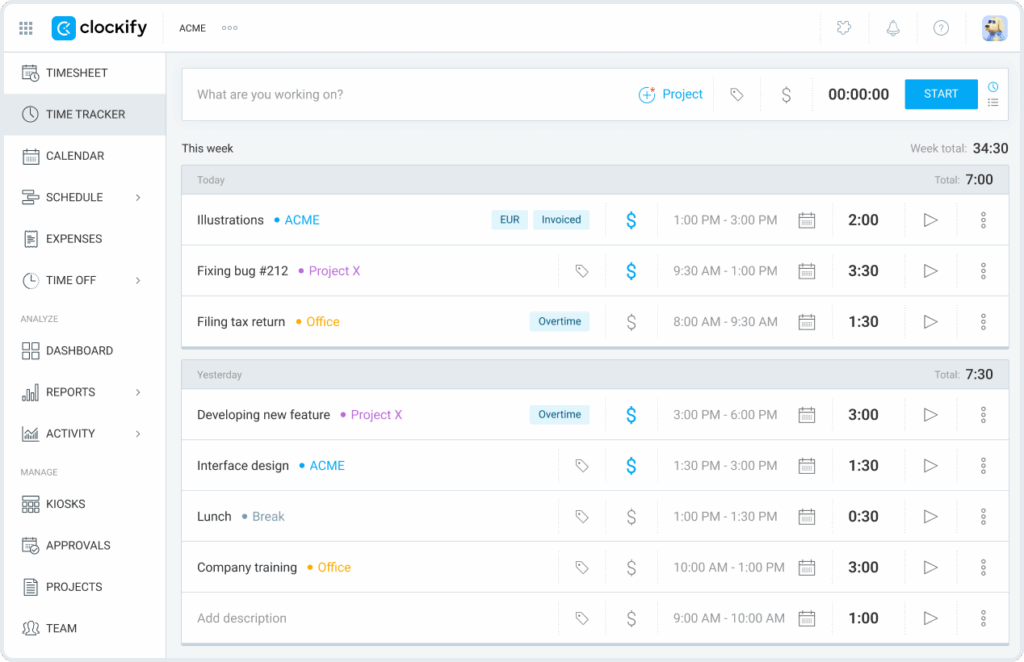
You can tag projects, assign tasks, and see reports – without creating a culture of micromanagement. It’s helpful for founders juggling client work, internal projects, and hiring at the same time.
A small agency wants to know how much time is being spent on client work vs admin. Clockify shows them that 18% of the week is going into non-billable support tasks. They decide to automate or delegate some of it.
Trello or ClickUp
Both are task management tools, but built for different styles of working.
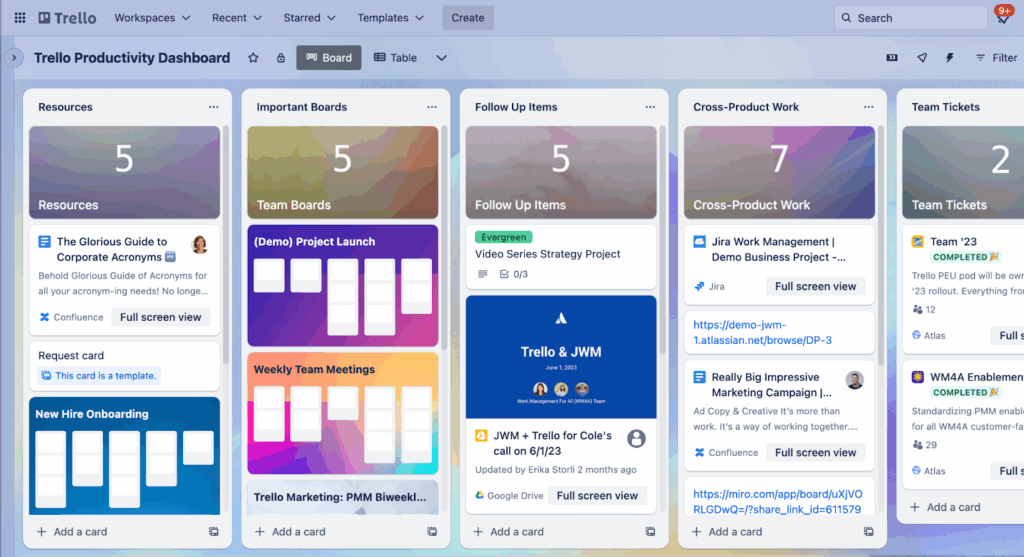
- Trello is card-based and visual. Good for simple pipelines like content calendars, hiring stages, or dev sprints.
- ClickUp offers more structure – nested subtasks, docs, goals, and time tracking – making it better for teams that need detailed tracking.
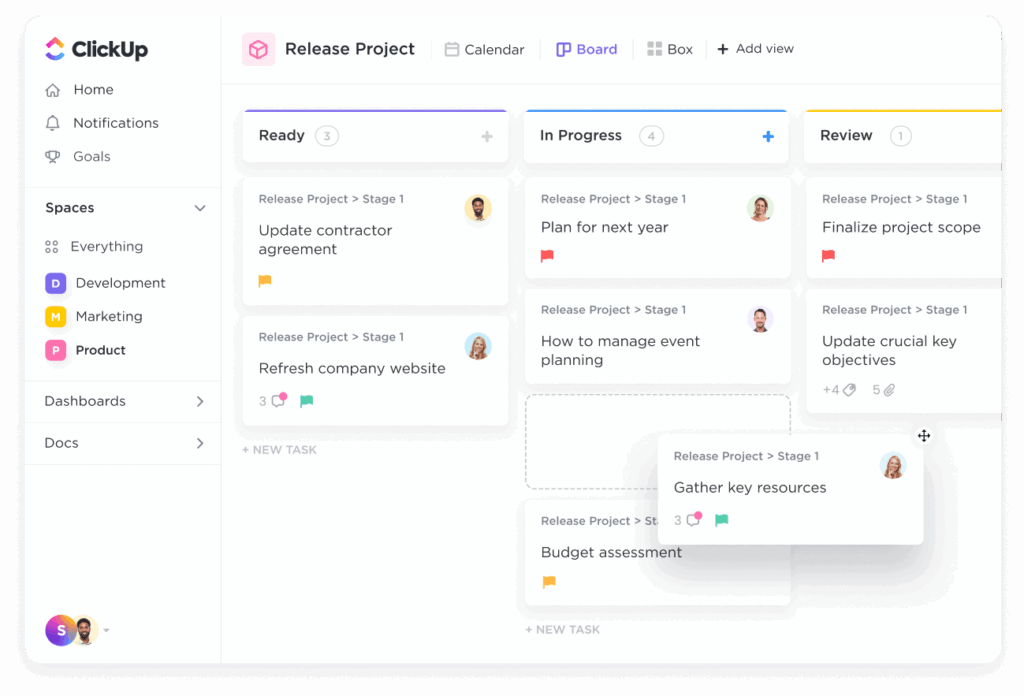
These tools help you get out of group chats and Google Docs when tracking progress, without jumping into complex project management platforms.
A three-person startup uses Trello to track marketing ideas. Each card has comments, deadlines, and checklists. Over time, they switch to ClickUp as more teams get involved.
When to adopt: Once your to-do list starts getting shared or tasks start falling through the cracks.
Sample Early Stack (0–10 Employees)
| Function | Tool |
|---|---|
| Email & Docs | Google Workspace |
| Internal Comms | Slack |
| Notes & Wiki | Notion |
| Project Management | Trello |
| Accounting (India) | Zoho Books |
| CRM | HubSpot CRM (Free) |
| Design | Canva / Figma |
| Automation | Zapier |
| Website | Webflow or Framer |
| Devices | Rent from Rank Computers |
The goal of your early toolstack isn’t to tick every box. It’s to help you build, sell, and adjust course without getting bogged down by admin, integrations, or steep learning curves.
You can always upgrade later. But a tool that’s deeply embedded into your workflow is harder (and costlier) to replace. Choose tools that help you move quickly without overcommitting.
The same thinking applies to hardware. If you’re scaling across locations, onboarding short-term hires, or just trying to stay lean, renting laptops and IT gear from Rank Computers can help you stay flexible. We support startups across India with fast delivery, reliable equipment, and support that doesn’t slow you down.