Most laptop rental guides start with specs. This one starts with people.
Because here is what actually happens when a business gets the device choice wrong: the team member who has used Windows for ten years sits in front of a MacBook and spends the first three days figuring out basic shortcuts. Or the designer who lives in Figma and Final Cut gets handed a Windows laptop and quietly delivers half the output they normally would. The specs were fine. The human fit was not.
Human preference is not a soft consideration. It is the single biggest driver of whether a rented device adds value or creates friction. Everything else, including battery life, software compatibility, and price, comes second. Get the human fit right first, then validate the technical requirements around it.
This guide is built around that idea.
Start Here: What Does Your Team Already Know?
Before you look at a single spec sheet, ask one question: what platform are the people on your team already comfortable with?
If your team has spent years on Windows, moving them to MacBooks mid-project is not an upgrade. It is a productivity tax. They will relearn keyboard shortcuts, file management, and system settings on your time and your budget. The same is true in reverse. A designer or developer who has built their entire workflow around macOS will feel genuinely hobbled on a Windows machine, even a premium one.
This is where most rental decisions go wrong. The buyer optimises for hardware and ignores the human sitting behind it.
If there is no strong existing preference across the team, that is also useful information. It means you have genuine flexibility to choose based on workflow, software, and budget, which the rest of this guide covers in detail.
The Case for MacBooks in Business
1. The people who love MacBooks are very productive on MacBooks
Apple Silicon (M2, M3, and M4 series chips) changed what laptops can do. The MacBook Air M3 handles video editing, large spreadsheets, and multiple browser tabs without slowing down, and it does this without a cooling fan. For teams doing creative work, data analysis, or software development, the performance is sustained and consistent in a way that matters over a full working day.
But beyond performance, the people who choose MacBooks tend to have built deep muscle memory around the platform. That fluency compounds. They work faster, troubleshoot intuitively, and rarely need hand-holding on the device itself.
2. Battery life that matches how people actually work
The MacBook Pro 14-inch M3 Pro runs for 15 to 18 hours under normal workloads. For a team that moves between meetings, client sites, and temporary workspaces, this is not a spec. It is freedom from a very specific daily frustration that affects mood and output more than most managers account for.
3. Ecosystem fit for Apple-native teams
If your team already uses iPhones and iPads personally, MacBooks plug into that world without friction. Handoff, AirDrop, and iCloud sync reduce the small daily annoyances that quietly drain energy. For teams working across Figma, Notion, Slack, or Adobe CC, this integration feels invisible in the best way.
4. Low maintenance for lean teams
MacBooks are significantly less targeted by malware, update cleanly, and rarely cause driver conflicts. For short-term rentals without deep IT infrastructure, this matters. Less time firefighting the device means more time doing actual work.
If your team leans Apple, you can explore Macs on rent for business-grade devices configured and ready to deploy.
Where MacBooks create friction
If your team runs Windows-only software such as Tally, SAP, or legacy ERP tools, MacBooks introduce a compatibility problem that no amount of user preference fixes. Virtualization adds cost and complexity. The rental cost per unit is also higher, which matters at scale. And if your team has no MacBook experience, the learning curve is real and it comes out of productive hours.
The Case for Windows Laptops in Business
1. The people who know Windows are deeply at home on Windows
This is the most underrated advantage Windows has. Hundreds of millions of professionals have spent their entire careers on Windows. The keyboard shortcuts, the file explorer, the taskbar behaviour, the way notifications work. It is all wired in. Handing these people a Windows laptop means zero ramp-up time. They open it and they are immediately productive.
For teams in finance, operations, logistics, or any function that grew up on Windows-based enterprise tools, this familiarity is not a small thing. It is the difference between day one productivity and a two-week adjustment period.
2. Software compatibility without compromise
Windows runs everything. Tally, SAP, government portals, industry-specific tools, and a large range of business software that still does not have a reliable Mac version. If your workflow depends on any of these, the platform choice is already made for you. The HP, Dell, or Lenovo comparison covers how the major Windows brands differ in durability, support, and use case fit once you have decided on the platform.
3. Hardware and price flexibility
Windows hardware spans a massive range. You can rent a capable business laptop for significantly less than a MacBook, which makes large-scale deployments manageable. If you need 50 laptops for a three-month project, Windows rental is almost always the more cost-efficient path without meaningful productivity loss for a Windows-native team.
4. IT teams are built around Windows
Most IT teams in India manage Windows environments by default. Group Policy, Active Directory, and enterprise MDM tools are all built around Windows. Onboarding and offboarding devices is faster, cheaper, and less dependent on specialist knowledge.
Where Windows creates friction
Battery life is inconsistent across brands and price points. Build quality at the lower end can be poor, which creates support problems during rental periods. Security requires active management in a way macOS does not. And for a team that has built their creative or technical workflow around Apple tools, a Windows machine genuinely limits what they can do and how fast they can do it.
Understanding how profession maps to platform preference is covered well in the guide on choosing the right laptop for your profession.
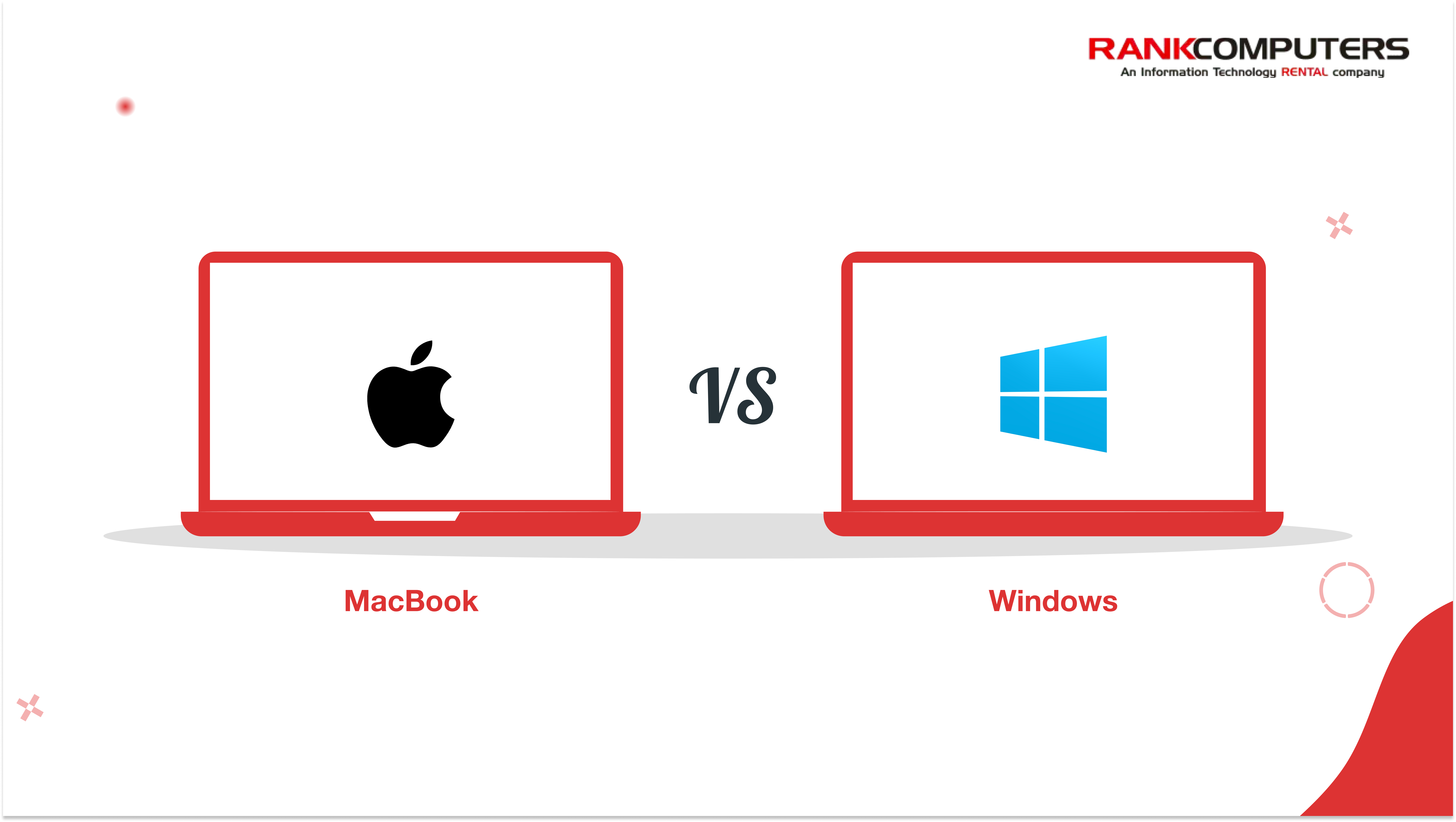
Side-by-Side Summary
| Factor | MacBook | Windows Laptop |
| Human preference fit | Strong for Apple-native teams | Strong for Windows-native teams |
| Performance (M-series) | Excellent, consistent | Varies by model and price |
| Battery Life | Best in class | Inconsistent across models |
| Software Compatibility | Limited for legacy tools | Nearly universal |
| Security | Strong by default | Requires active management |
| Cost | Higher rental cost | More options at lower prices |
| IT Management | Simpler for small teams | Better for enterprise setups |
| Creative Work | Strong advantage | Competitive at high end |
| Hardware Flexibility | Limited | Extensive |
So, Which One Should You Actually Rent?
Start with your people. Then work outward.
Rent MacBooks if:
- Your team already works on Apple devices and has built their workflow around macOS
- The work involves design, video, development, or content production where MacBook fluency pays compounding dividends
- Your software stack is modern and cross-platform such as Figma, Notion, Adobe CC, Slack, or Google Workspace
- Battery life and low-maintenance operation matter more than price per unit
- You are deploying a smaller team where per-unit cost is acceptable
Rent Windows Laptops if:
- Your team has spent years on Windows and knows it inside out
- The work depends on Windows-only software or legacy enterprise tools
- You are deploying at scale and need to manage costs carefully
- Your IT setup is built around Windows environments
- Switching platforms mid-project would cost your team productivity and morale they cannot afford to lose
For small businesses working through this decision, the context in why choosing the right laptop matters is a useful read before finalising a rental order.
A Note on Renting vs Buying
Renting makes the human preference argument even stronger. When you buy, you are locked into a platform decision for three to five years. When you rent, you can match the device to the team and the project. A creative team coming on for six months gets MacBooks. A finance team standing up for a quarter gets Windows. The flexibility exists precisely so you can optimise for the people doing the work.
If you want to see what is worth renting right now, the top laptops of 2025 still worth renting in 2026 covers the strongest options across both platforms.
For the full range of rental options, you can browse laptops on rent to compare configurations and pricing across both platforms.
The Bottom Line
Specs matter. Software compatibility matters. Price matters. But none of it matters as much as whether the person using the device is comfortable, confident, and productive on it from day one.
A MacBook in the hands of someone who has never left Windows is an expensive source of daily frustration. A Windows laptop handed to a designer who lives in the Apple ecosystem is a quiet productivity drain that shows up in missed deadlines and lower output quality.
Rent for your people first. Let the technical requirements confirm the choice. That order of thinking is what separates a rental decision that works from one that costs you more than the hardware ever saved.