A few years ago, the assumption was that cloud storage would gradually take over most of what businesses stored locally. For some workloads, that has largely played out. Collaboration, remote access, and lightweight file sharing have moved to the cloud comfortably.
But local storage hasn’t disappeared – and for many businesses, it remains a significant part of how their IT environment actually functions.
The harder question isn’t whether on-premise storage for businesses is still relevant. It’s figuring out how much storage does a business need – and getting that number right. Some businesses find themselves running out of capacity well before they expected to. Others invest in far more than they’ll realistically use for years. Both situations cost money that could have been avoided with better planning upfront.
This guide breaks down what actually drives storage requirements – so the number you land on reflects how your business works, not just a round figure from a vendor quote.
Why On-Premise Storage Hasn’t Gone Away
Cloud platforms have made a genuine difference, particularly for teams that are distributed or frequently collaborating across locations. But not every workload is well suited to living entirely in the cloud.
When employees are regularly accessing large shared files across a local network, performance matters. Pulling a 2GB video project from the cloud every time someone opens it is a different experience from accessing it instantly off a NAS on the same network. For design teams, engineering firms, video producers, and businesses with large shared repositories, that difference is felt daily. This is one of the core considerations in any NAS vs cloud storage for office environment – and for high-frequency, high-volume access, local infrastructure consistently has the edge.
There is also the question of cost at scale. Cloud storage is economical for moderate volumes. Once you are storing tens of terabytes – and particularly when that data is accessed frequently – the monthly cost of cloud storage begins to look less attractive compared to a one-time or rental investment in local infrastructure. In any honest on-premise vs cloud storage comparison, cost at volume is a factor that often tips the decision toward local infrastructure.
Most businesses today operate in a hybrid model: cloud for collaboration and remote access, on-premise for high-volume, frequently accessed, or long-retention data. Storage planning in 2026 is really about understanding which data belongs where.
The Real Question Isn’t “How Many Terabytes?”
Generic capacity numbers are not useful without context. A 10TB storage server could be more than a 50-person company needs – or barely enough for a five-person video production team. The difference lies in what kind of data the business creates, how many people are generating it, how long it needs to be kept, and how quickly the organisation is growing.
File types determine everything
This is the factor most businesses underestimate when planning storage.
A typical office document – a Word file, a spreadsheet, a presentation – is small. Even a heavily formatted 50-slide PowerPoint rarely exceeds 50–100MB. A team of 30 people generating this kind of content every day might accumulate 200–300GB of active working data over a full year. That is manageable, and growth in these environments tends to be slow and predictable.
The moment you introduce media files, the equation changes entirely.
A single RAW image from a professional camera runs 25–45MB. A one-minute video shot in 4K at a reasonable bitrate is around 10–15GB. An hour of uncompressed surveillance footage from a single high-resolution camera can exceed 30GB. A CAD assembly file for a complex engineering project can be several gigabytes on its own.
For businesses working in these formats, storage doesn’t grow gradually – it compounds.
Users multiply the problem
Storage needs don’t scale linearly with headcount. Ten employees working on independent documents is a very different situation from fifty employees collaborating on shared project folders, maintaining version histories, and generating exports alongside originals.
The accumulation effect matters more than daily creation rates. Projects finish, but the files stay. Client deliverables are archived. Old versions are retained. Over time, the repository grows far faster than anyone’s day-to-day activity would suggest.
Retention is the factor businesses plan for last – and regret most
How long does your data need to stay accessible? This question tends to get less attention than it deserves during storage planning, and the answer is usually longer than people initially expect.
Financial records and books of account must be retained for eight years under India’s Companies Act, 2013, while income tax and GST records carry a six-year minimum. HR documentation and project files don’t carry the same statutory floor, but most businesses retain them on a similar multi-year cycle.
When you factor in retention, your real storage requirement is not just what you are creating today. It is the sum of everything you will need to hold on to over the next several years, alongside what you are actively generating.
Storage Requirements by Business Type
These ranges are not arbitrary. Here is the logic behind them – and why business storage solutions in 2026 demand more careful planning than it did even a few years ago, given how quickly data volumes are growing across industries.
Small offices with standard productivity workloads (10–25 employees)
Typical requirement: 2TB–8TB usable
If your team primarily works with documents, spreadsheets, emails, and business applications, data growth is relatively slow. A 20-person team generating roughly 10–15GB of new data per week would accumulate around 500–750GB annually from active work alone. Factor in backups, a three-year retention policy, and system data, and a well-managed environment sits comfortably within 4–6TB for several years.
The upper end of this range applies to businesses with structured backup processes that retain multiple recovery points, or those beginning to introduce shared media assets.
Growing businesses across multiple departments (25–100 employees)
Typical requirement: 10TB–40TB
Once you have multiple departments maintaining their own shared folders, project archives, and backup streams, storage requirements shift meaningfully. The accumulation of completed projects is usually the biggest driver – teams generate data continuously, but older work rarely gets deleted.
A 60-person business running structured backups, retaining three to five years of project archives, and maintaining a shared resource library will often find itself approaching 20–25TB within two to three years of deploying new infrastructure.
Creative, media, and design teams
Typical requirement: 30TB–100TB+, with faster growth curves
This category warrants its own discussion because the numbers are genuinely different.
A team of ten photographers running a modest assignment schedule might shoot 500–800 RAW files per week. At 35MB per file, that is roughly 18–28GB of new images every week – nearly 1.5TB per year before exports, edits, or client delivery copies are accounted for. Scale that to a team producing video alongside photography, and annual data generation can easily exceed 5–10TB.
Video compounds the problem further. A post-production team working with 4K footage, maintaining project files, proxy versions, exports, and client revisions, can generate 2–3TB per active project. An agency running several concurrent campaigns may add 10–15TB per year without any unusual growth.
For these teams, storage planning needs to account not just for current capacity, but for a multi-year accumulation curve. A 30TB deployment that looks comfortable today can be under pressure within eighteen months.
Businesses with Extensive CCTV Systems
Surveillance footage is one of the most predictable – and most underestimated – storage consumers in a business environment.
The volume depends on three variables: the number of cameras, the recording resolution, and the retention period.
A mid-sized office running 16 cameras at 1080p, recording continuously, generates roughly 20–25TB of footage over a 90-day retention period. Upgrade those cameras to 4K, and that figure can double. Add more cameras for a warehouse, manufacturing floor, or retail environment, and dedicated surveillance storage requirements can reach 40–60TB before anything else is accounted for.
Signs Your Current Storage Infrastructure Is Not Working
Storage problems usually announce themselves gradually before they become acute.
Teams start storing working files on personal devices because shared storage is full or slow. Multiple versions of the same document begin appearing across different locations because there is no single reliable repository. Backup jobs fail because there is no space to complete them.
These are not minor inconveniences. Inconsistent backups are a business continuity risk. Files scattered across personal devices are a security and compliance problem. The disruption of an emergency storage migration – moving terabytes of data under time pressure – is significantly more costly than getting the planning right earlier.
Renting Storage Infrastructure: When It Makes More Sense Than Buying
Not every storage requirement is permanent, and not every business is in a position to commit capital to hardware.
There are situations where renting storage infrastructure is the more practical choice: a new office that needs to be operational quickly, a project requiring temporary high-capacity storage, a business that wants to validate its storage architecture before committing to a purchase, or an organisation that simply prefers operational expenditure over capital expenditure for infrastructure.
Renting provides access to enterprise-grade hardware – NAS systems, storage servers, RAID configurations – without the procurement lead time or upfront investment of buying outright. For businesses that need capacity now and flexibility later, it is worth considering alongside a purchase.
Storage Infrastructure on Rent – Rank Computers
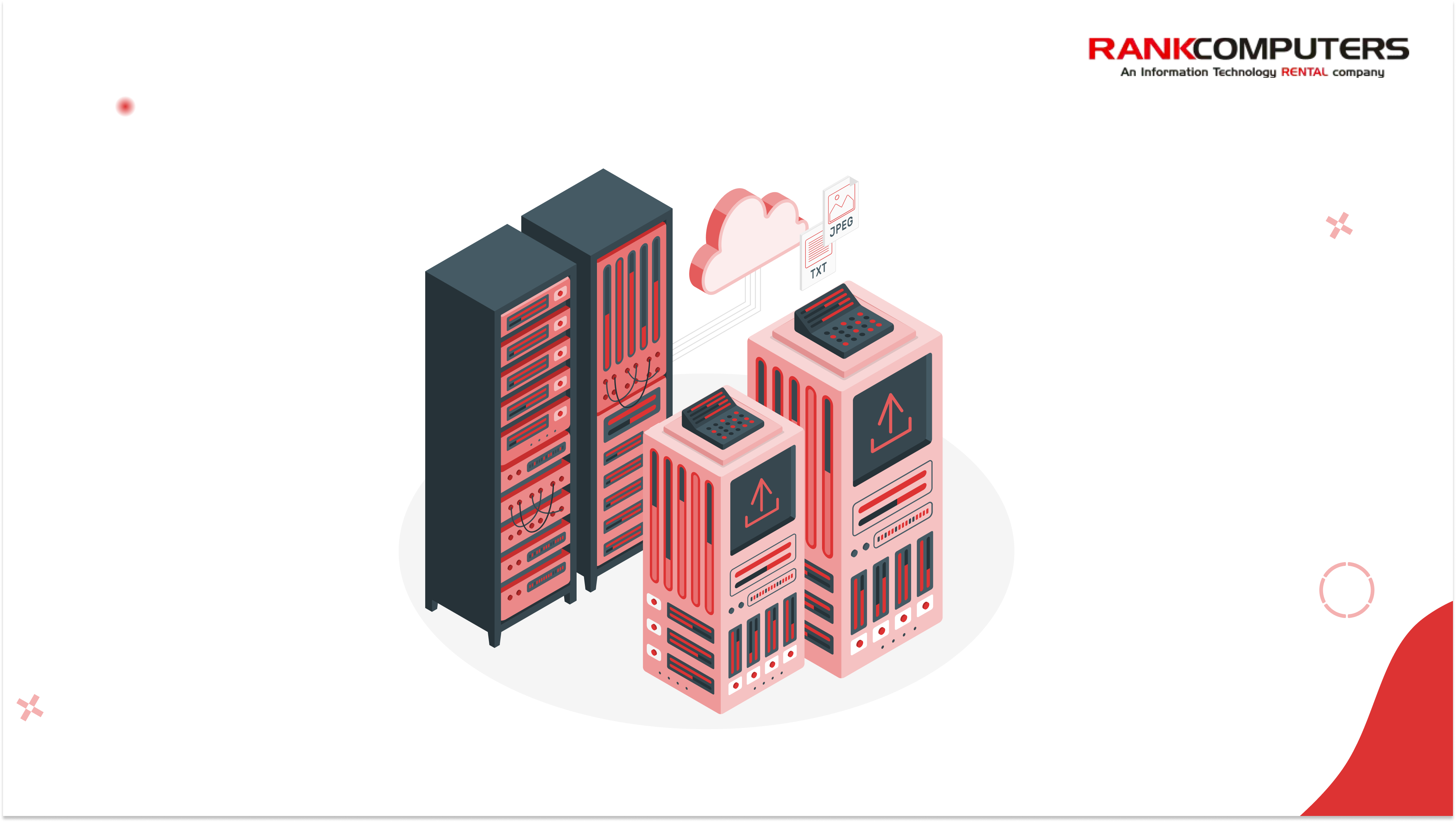
Rank Computers offers storage devices on rent for businesses – NAS systems, storage servers, and high-capacity solutions across a range of configurations.
Whether you need a NAS for a growing team, a high-capacity server for media production, or temporary infrastructure for a project, we have options across different capacities and configurations available on flexible rental terms.
If you are planning storage infrastructure and want to explore what is available, get in touch with our team.
The Bottom Line
The businesses that get storage planning right are not the ones that buy the most capacity. They are the ones that understand their data before they size their infrastructure.
What types of files does your business create? How quickly does that data accumulate? How long does it need to stay accessible? Answer those three questions honestly, and the right storage capacity becomes much easier to determine.