
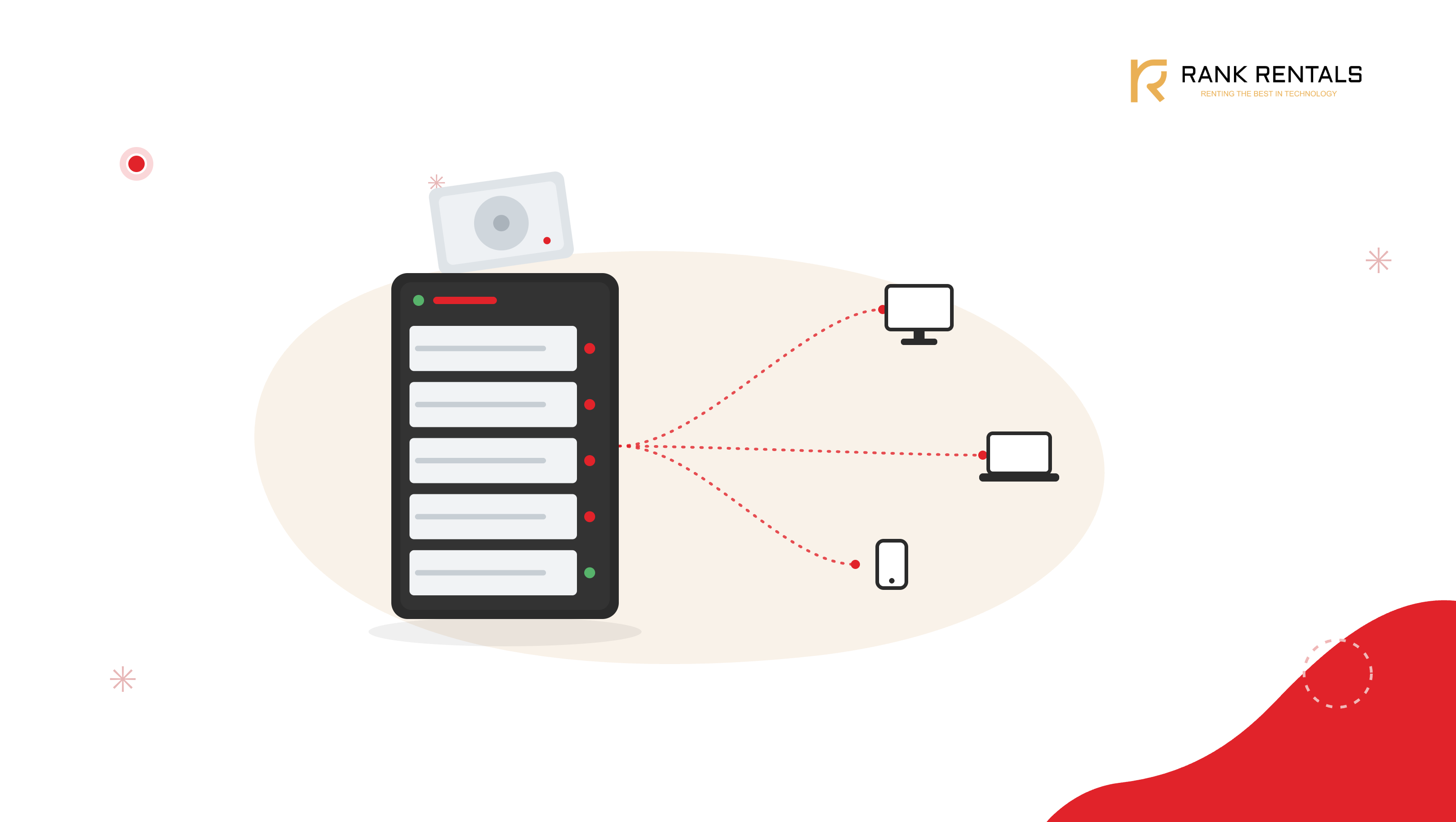
Most small businesses do not decide to buy a NAS. They arrive at it. The shared Google Drive gets messy, someone works off a random external hard drive that then fails, files live in five different places, and the day a laptop is stolen, or a disk dies, the question everyone asks is the same one: where was the backup? A network-attached storage device, a NAS, is what replaces all of that with a single, reliable, always-on place for a team’s files.
The catch is that a NAS is not a one-size-fits-all purchase. A two-bay box that is perfect for a five-person office would cripple a video team, and the eight-bay unit a media studio needs is money wasted on a business that mostly moves documents around. Get the sizing wrong in either direction, and you either run out of room in a year or spend on capacity you will never use. If you have not worked out your actual requirement yet, start with our guide on how much on premise storage your business really needs, then come back here to choose the device.
So the useful question is not which NAS is best. It is which NAS fits how your team creates, shares, and protects its data. At Rank Computers, we deploy storage for offices, project teams, and creative studios across India, and the recommendations below come from how these units behave in real working conditions rather than from spec sheets alone.
Quick Comparison: Best NAS for Small Business in India (2026)
| NAS | Bays | Networking | Best for | Price from (diskless) |
|---|---|---|---|---|
| Synology DS925+ | 4 | 2.5GbE x2 | Best all-round small business | ~₹80,000 |
| Synology DS225+ | 2 | 2.5GbE | Small teams, first NAS | ~₹40,000 |
| UGREEN DXP4800 Plus | 4 | 2.5GbE + 10GbE option | Hardware value | ~₹60,000 |
| TerraMaster F4-425 Plus | 4 | 2.5GbE x2 | Budget 4 bay | ~₹50,000 |
| QNAP TS-464 | 4 | 2.5GbE x2 | Power users, virtualisation | ~₹52,000 |
| Synology DS1525+ | 5 | 2.5GbE x2, 10GbE ready | Media and creative teams | ~₹1,05,000 |
| Synology DS1823xs+ | 8 | 10GbE built in | Scaling and large archives | Price on request |
| QNAP TS-h886 | 8 | 2.5GbE, ZFS | Enterprise class integrity | Price on request |
Prices are approximate, diskless, mid 2026, and exclude hard drives. NAS units are sold without disks, so budget for NAS-rated drives separately. Confirm current pricing before purchasing.
What to Look for When Choosing a NAS in India
Bays and RAID decide your real capacity. The number of drive bays sets both how much storage you can hold and how well you are protected. In a RAID setup, some of that raw capacity is spent on redundancy so that if one disk fails, your data survives. A four-bay unit with four 8TB drives does not give you 32TB of usable space; it gives you around 24TB with one disk of protection. Plan around usable capacity, not the number on the box.
Use NAS-rated drives, not desktop ones. This is the mistake that quietly causes trouble later. NAS drives such as WD Red or Seagate IronWolf are built to run continuously and to behave correctly inside a RAID array. Ordinary desktop drives are not, and using them is a common reason small business NAS setups become unreliable. If you want the longer version, our note on how long hard drives actually last is worth a read before you buy disks.
Check drive compatibility before you commit, especially with Synology. Through 2025, Synology’s newest models would only accept Synology-branded drives, which caused real problems for Indian buyers where those drives are pricier and harder to source. Synology walked much of this back in DSM 7.3 in late 2025, restoring third-party SATA drive support, but the lesson stands: check the current compatibility list for the exact model and firmware before you order disks.
2.5GbE is the sensible network floor in 2026. Standard Gigabit networking is now the bottleneck for a busy office NAS. Every unit worth buying this year ships with 2.5GbE, and media or design teams moving large files should look specifically for a 10GbE option. A fast NAS on a slow network is a fast NAS you cannot feel.
RAID is not a backup. This is the single most important thing to understand. RAID protects you from a disk failing. It does not protect you from ransomware, accidental deletion, fire, or theft, all of which take the NAS and everything on it. Follow the 3 2 1 rule: three copies of your data, on two types of media, with one kept offsite. Our piece on why data backup should be a top priority covers the discipline that keeps a NAS from becoming a single point of failure.
The software matters as much as the hardware. The operating system is what you actually live with. Synology’s DSM is the most polished and the easiest for a business without dedicated IT to run. QNAP’s QTS is more powerful and flexible but has a steeper learning curve. UGREEN and TerraMaster have improved a great deal and offer strong hardware for the money, with software that is now genuinely capable. Match the system to how much IT support you have, not just to the spec.
Budget for the drives, and for placement. NAS units are sold diskless, so the real cost is the unit plus four or more NAS-rated drives. Factor that in from the start. Also give the unit a home with airflow and, ideally, a small UPS, since a NAS that loses power mid-write is a NAS you do not want to gamble on.
Best NAS Devices for Small Business in India (2026)
1. Synology DS925+: Best Overall for Small Business
Price: From around ₹80,000 (diskless). Bays: 4 Networking: Dual 2.5GbE Storage: 4 drive bays plus M.2 NVMe slots for cache or storage pools Best for: The default NAS for most small businesses
For most small businesses, this is the unit to start with. Four bays give room to grow, dual 2.5GbE keeps a busy office moving, and the M.2 slots let you add NVMe drives for caching or a fast storage pool. What really sets it apart is DSM, Synology’s software, which makes backups, user permissions, shared folders, and remote access genuinely manageable for a business without a dedicated IT team. If you want one NAS that will serve a growing team dependably for years, this is the safe, sensible choice.
2. Synology DS225+: Best for Small Teams and First-Time Buyers
Price: From around ₹40,000 diskless; bundles with two 4TB drives from about ₹91,499. Bays: 2 Networking: 2.5GbE Best for: Offices of five to fifteen people taking their first step
Not every business needs four bays on day one. For a small team that mainly works with documents, spreadsheets, and shared folders, the two-bay DS225+ delivers the same excellent DSM software in a smaller, more affordable box. Run it with two drives mirrored, so a single disk failure never costs you data. It is the cleanest way for a first-time buyer to move off scattered drives and cloud folders onto proper shared storage without overspending.
3. UGREEN DXP4800 Plus: Best Hardware Value
Price: From around ₹60,000 (diskless). Bays: 4. Networking: 2.5GbE, with a 10GbE-capable configuration. Best for: Buyers who want maximum hardware for the money
UGREEN has shaken up the NAS market by offering serious hardware at prices the established brands struggle to match. The DXP4800 Plus pairs a capable Intel processor with fast networking and modern connectivity, and its software has matured to the point where it is a real option for a business, not just an enthusiast. If your priority is raw capability per rupee and you are comfortable with a platform that is newer than Synology’s, this is the value pick of the list.
4. TerraMaster F4-425 Plus: Best Budget 4 Bay
Price: From around ₹50,000 (diskless). Bays: 4 Networking: Dual 2.5GbE Best for: Cost-aware businesses that still want four bays
The F4-425 Plus is the answer for a business that wants four bays and room to grow without stretching the budget. It brings a modern processor, DDR5 memory, and dual 2.5GbE at a price that undercuts most of the field. The trade-off, as with UGREEN, is a software ecosystem that is less mature than Synology’s, so it suits teams with a little more comfort around technology. For the money, the hardware is hard to argue with.
Setting up storage for a project that runs six months, or a new office you are still sizing? Buying a NAS and a shelf of drives for a temporary need rarely makes sense. Renting the right configuration for the duration, available across India from Rank Computers, keeps the capital free.
5. QNAP TS-464: Best for Power Users and Virtualisation
Price: From around ₹52,000 (diskless). Bays: 4 Networking: Dual 2.5GbE Extras: M.2 slots, PCIe expansion, HDMI output Best for: Technical teams that want to do more than store files
Where Synology optimises for simplicity, QNAP optimises for flexibility. The TS-464 adds PCIe expansion, M.2 slots, and an HDMI output, and QTS lets you run virtual machines, containers, and a wider range of applications directly on the NAS. For a technical team that wants storage plus a small always-on server for side workloads, this is the most capable unit at the price. Just be honest about whether your team wants that power or would rather have DSM’s simplicity.
6. Synology DS1525+: Best for Media and Creative Teams
Price: From around ₹1,05,000 (diskless). Bays: 5. Networking: Dual 2.5GbE with a 10GbE upgrade path. Best for: Design, photography, and video teams
Creative work changes the storage equation, as anyone editing 4K footage off a shared drive knows. The five-bay DS1525+ is built for it: more capacity, a 10GbE upgrade path for the throughput that video editing demands, and the ability to scale further with expansion units as a media library grows. For a studio or design team that lives on large shared files, this is where a NAS stops being storage and starts being production infrastructure.
7. Synology DS1823xs+: Best for Scaling and Larger Archives
Price: Price on request. Bays: 8. Networking: 10GbE built in. Best for: Businesses with large, growing archives
When a business accumulates years of projects, records, and media, eight bays and built-in 10GbE become the practical baseline. The DS1823xs+ is a high-performance unit for organisations whose archives run into dozens of terabytes and keep climbing, with the horsepower to serve many users at once without slowing down. It is more NAS than a small office needs, and exactly right for a business whose data has quietly become one of its most valuable assets.
8. QNAP TS-h886: Best Enterprise Class Integrity
Price: Price on request. Bays: 8. Networking: 2.5GbE, ZFS-based. Best for: Businesses that need the strongest data integrity
For businesses where data integrity is not negotiable, the TS-h886 uses the ZFS file system, which actively guards against silent data corruption in a way standard setups do not. Paired with strong processing and generous expansion, it is an enterprise-class unit for teams whose compliance or client obligations demand the highest assurance that stored data is exactly what was written. It is a specialist choice, and for the businesses that need it, the right one.
When Renting a NAS Makes More Sense Than Buying
A NAS plus its drives is a real capital outlay, and not every storage need is permanent. Renting suits several common situations:
- Project and production storage for a defined engagement, where you need high capacity for a few months, not forever
- A new office that needs shared storage running quickly, before its long-term requirement is even clear
- Try before you commit, where a business wants to validate its storage architecture before buying into a platform and a stack of drives
- Temporary capacity spikes, such as a large shoot, an audit, or a migration, where you need more room for a season
- Businesses that prefer operating expenditure over sinking capital into hardware that depreciates
In each case, renting puts the right unit, correctly configured with the right drives, on your network for exactly as long as the work lasts.
Storage Devices on Rent, from Rank Computers
Rank Computers has supplied IT equipment to businesses across India for over three decades. We rent storage devices on flexible terms, including NAS units, storage servers, and high-capacity configurations, on daily, weekly, monthly, and long-term rental. Every unit arrives pre-configured and ready to deploy, with on-ground support and hardware replacement cover for the length of the engagement, and we can supply across Mumbai and other major cities. If you are planning storage and want to talk through the right configuration for your team, get in touch with our team.
The best NAS for your business is not the one with the most bays or the fastest processor. It is the one matched to how much data you create, how fast it grows, and how seriously you protect it. For most small businesses, that means a four-bay Synology DS925+, correctly sized and paired with NAS-rated drives. For small teams, the DS225+. For creative and media work, the DS1525+. And for anyone whose need is temporary or still taking shape, renting the right unit beats buying the wrong one. Work out what your data actually demands, remember that RAID is not a backup, and the right NAS becomes far easier to choose.