You’ve rented the laptops. They’re in people’s hands across two, three, maybe four office locations. Now the real work begins.
Managing a handful of devices is simple – you can keep track of things manually, handle issues as they come up, and stay on top of software and updates without much structure. But once you’re past 50 devices spread across multiple locations, that approach starts breaking down quickly. Keeping track of which laptop is where, and in what condition, becomes harder than anyone expected when the rental agreement was signed.
The good news is that managing a distributed rental fleet is a solved problem. The systems and the tools exist. What most IT managers need is a clear picture of how to put them together. This guide covers exactly that.
The Rental Context Changes How You Manage
Most device management advice is written for owned fleets. Rented laptops introduce a layer of complexity that owned hardware doesn’t have.
You’re managing devices that belong to someone else. They’ll need to be returned in good condition. They may be swapped out if something fails. The fleet size may increase or decrease mid-contract as headcount changes. Every device that leaves your organisation needs to be properly wiped and cleared before it goes back to the vendor.
That context shapes every management decision – from how you enrol devices into your management platform, handle offboarding, coordinate with the rental vendor when something needs to be replaced.
Keep that in mind as you build your management approach.
Step 1: Get Every Device Into a Central Management Platform
If you haven’t already, this is the first thing to do.
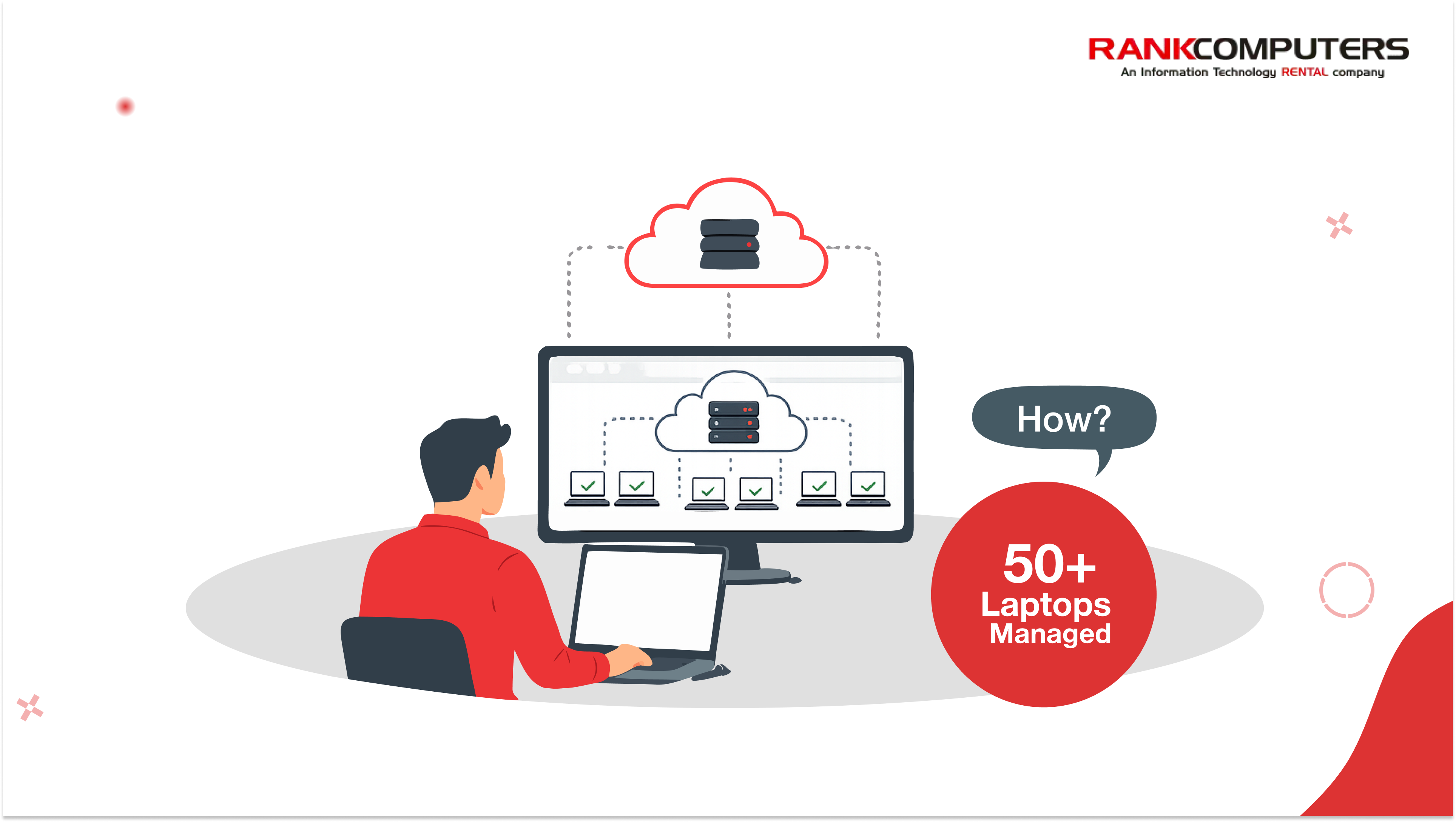
Managing 50+ laptops across multiple locations without a Mobile Device Management platform means managing them individually – which at this scale isn’t really managing them at all. You may have no visibility into what’s installed, no way to push updates or policies centrally, and no way to act quickly if a device is lost, stolen, or compromised.
Several platforms are widely used for managing distributed laptop fleets. The most commonly referenced ones are:
Microsoft Intune – the natural choice if your organisation is already using Microsoft 365. Intune integrates directly with your existing Microsoft environment, making it easy to enrol devices, push policies, manage updates, and enforce compliance.
ManageEngine Endpoint Central – popular with Indian IT teams because of competitive pricing, strong local support, and a feature set that covers most enterprise requirements without the complexity of larger platforms.
Jamf – relevant specifically if your fleet includes Apple devices. For Windows-only environments it’s less applicable, but worth knowing about for mixed fleets.
The platform matters less than getting every device enrolled into whichever one you choose. An unenrolled device is a device you can’t see, can’t update, and can’t secure remotely – and in a rented fleet where devices move between locations and users, that’s a big risk.
Step 2: Standardise the Configuration Before Devices Go Out
If laptops are already deployed and configurations are inconsistent, this is worth fixing now rather than later. If new devices are still being rolled out, standardise before they leave your hands.
A standard configuration should cover:
- the same operating system version across all devices
- given that Windows 10 support has now ended, any device still running Windows 10 in your fleet is both a security risk and a management inconsistency that needs to be addressed
- the same core applications installed and activated
- consistent security policies – encryption, screen lock, password requirements, endpoint protection
- update settings configured to manage automatically rather than relying on individual users
- user permission levels set appropriately for the role
The reason standardisation matters so much in a rented fleet specifically is that devices come and go. When a replacement arrives from the vendor, or when a device gets reassigned between employees or locations, a standard configuration means the transition is fast and predictable. Without it, every device movement creates manual work.
Step 3: Build an Asset Register That Reflects Your Rental Reality
An asset register for a rented fleet is different from one for owned hardware – and most generic templates don’t account for that.
For each device, your register should track:
- the device serial number and model
- which rental agreement or contract it falls under
- the rental start date and expected return date
- which employee it’s assigned to and at which location
- current status – active, in transit, under repair, awaiting return
- any damage or condition notes
This matters for two reasons. First, it keeps you operationally organised when devices move between employees or locations. Second, it protects you when it’s time to return devices to the vendor – you know exactly what’s coming back, in what condition, and when.
A spreadsheet can work at 50 devices if it’s updated regularly. At larger scale, or if your fleet moves frequently, using the asset management module within your MDM platform is more reliable.
Step 4: Define Your Support and Replacement Process
Support in a distributed fleet breaks down when it’s handled informally. Someone messages a colleague, someone else escalates to IT, nothing is tracked, and the same issues get solved differently every time.
Before issues arise – and they will – define clearly:
- how employees report problems (a ticketing system, a dedicated email, a form)
- who handles first-line troubleshooting remotely
- what triggers an escalation to the rental vendor for replacement
- how quickly replacements are expected to arrive and who coordinates that
- what happens to a device that’s been replaced – who returns it, through what process, and how is that logged
When a device fails and the vendor sends a replacement, the failed unit needs to go back. If that process isn’t defined, devices accumulate in offices without being returned, rental charges continue, and the vendor relationship gets complicated.
Coordinate with your rental vendor upfront to understand their replacement and return process. Some vendors have a clear, fast process for this. If yours doesn’t, that’s worth raising directly.
Step 5: Create Onboarding and Offboarding Workflows
This is where rented fleets require more discipline than owned ones.
When a new employee joins, the process should be: device assigned from the rental fleet, configuration verified against the standard baseline, user account created and enrolled in the MDM platform, required software activated, device logged in the asset register under the new employee’s name and location. If your rental vendor provides pre-configured devices, much of this happens before the laptop arrives.
When an employee leaves, the process has an additional layer that owned fleets don’t have. The device needs to be remotely wiped before it leaves IT’s control – not just the employee’s files, but any locally stored credentials, cached data, and activated software licences. Once wiped, it either gets reassigned to a new employee or returned to the rental vendor. If it’s being returned, document its condition before dispatch and keep a record.
Step 6: Stay on Top of the Financial and Contractual Side
IT managers managing rented fleets are often also accountable for the cost of those rentals internally – and the contractual obligations that come with them.
Keep visibility on:
- which devices are within their rental period and when renewals or returns are due
- whether the fleet size matches what’s being billed – rental invoices can drift from actual device counts if additions and returns aren’t tracked carefully
- damage liability – understand what your rental agreement covers and what it doesn’t, so condition is documented before returns
- licence costs that sit separately from the rental – software licences activated on rented devices still need to be managed and deactivated on return
Building a simple tracking view – even within your existing asset register – that shows upcoming return dates and contract milestones saves the kind of last-minute scramble that happens when a rental period ends unexpectedly.
A Quick Reference Checklist
For a fleet of 50+ rented laptops across multiple locations, the fundamentals to have in place:
- All devices enrolled in a central MDM platform
- Standard configuration applied across every device – OS, applications, security policies
- Asset register maintained with rental contract details, assignment, and return dates
- Support and replacement process documented and communicated
- Onboarding workflow that covers configuration, enrolment, and asset logging
- Offboarding workflow that covers remote wipe, licence deactivation, and condition documentation before return
- Financial tracking for rental periods, billing reconciliation, and upcoming returns
If any of these are currently handled manually or inconsistently, that’s where to focus first.
How the Rental Vendor Fits Into All of This
A good rental vendor makes several of these steps significantly easier.
Pre-configured devices mean laptops arrive already set up to your standard baseline – reducing the onboarding workload considerably. Fast replacement processes mean a failed device doesn’t become a multi-day disruption. Flexible inventory means scaling up during a hiring period or project expansion doesn’t require a new procurement conversation.
When evaluating or working with your rental vendor, it’s worth being explicit about these requirements – pre-configuration, replacement timelines, and scalability. These aren’t add-ons. They’re part of what makes a distributed rental fleet manageable at scale.
Laptops on Rent – Rank Computers
Rank Computers provides laptop and IT equipment rentals to businesses across India – HP, Dell, Lenovo, and Apple devices across a range of configurations, available on flexible rental terms.
We supply pre-configured devices, support deployments across multiple locations, and carry inventory that can scale as your requirements change. Replacements are handled directly by our team.
If you’re managing a distributed laptop fleet and want to understand what we offer, get in touch.